This article applies to users with one of the following roles:
- Administrators
- Agent Administrators
- Branch Managers
- Agents
- Suppliers
What’s New?
We recently launched a new notifications functionality in MoveIT with the initial functionality allowing users to be notified of new Help Content that had been posted so that user’s were aware of new functionality available in MoveIT as well as other generally helpful information.
The use of notifications has now been extended so that user’s are notified when updates are made to their referrals and instructions within the MoveIT system.
What Notifications Will I Receive?
Currently when a referral or instruction is updated either by a user or the system an event is added to the item, and these can be viewed by clicking the notes icon in the pipeline area. Agents will also receive some of these updates via email.
As of MoveIT V0.16.0 all of these events will also be posted to the agent that created the referral or instruction at the same time.
The aim of these notifications is help to keep you in the loop with what is happening with your own referrals and instructions and allow you to take action to keep things on track.
How Many Notifications Will I Receive?
Depending on how many instructions and referrals you have created in the system, you may receive a high number of notifications. We will welcome feedback if you find that the number of notifications you receive is too high or you’re getting notifications that you don’t feel are helpful to you.
How Can I Manage My Notifications
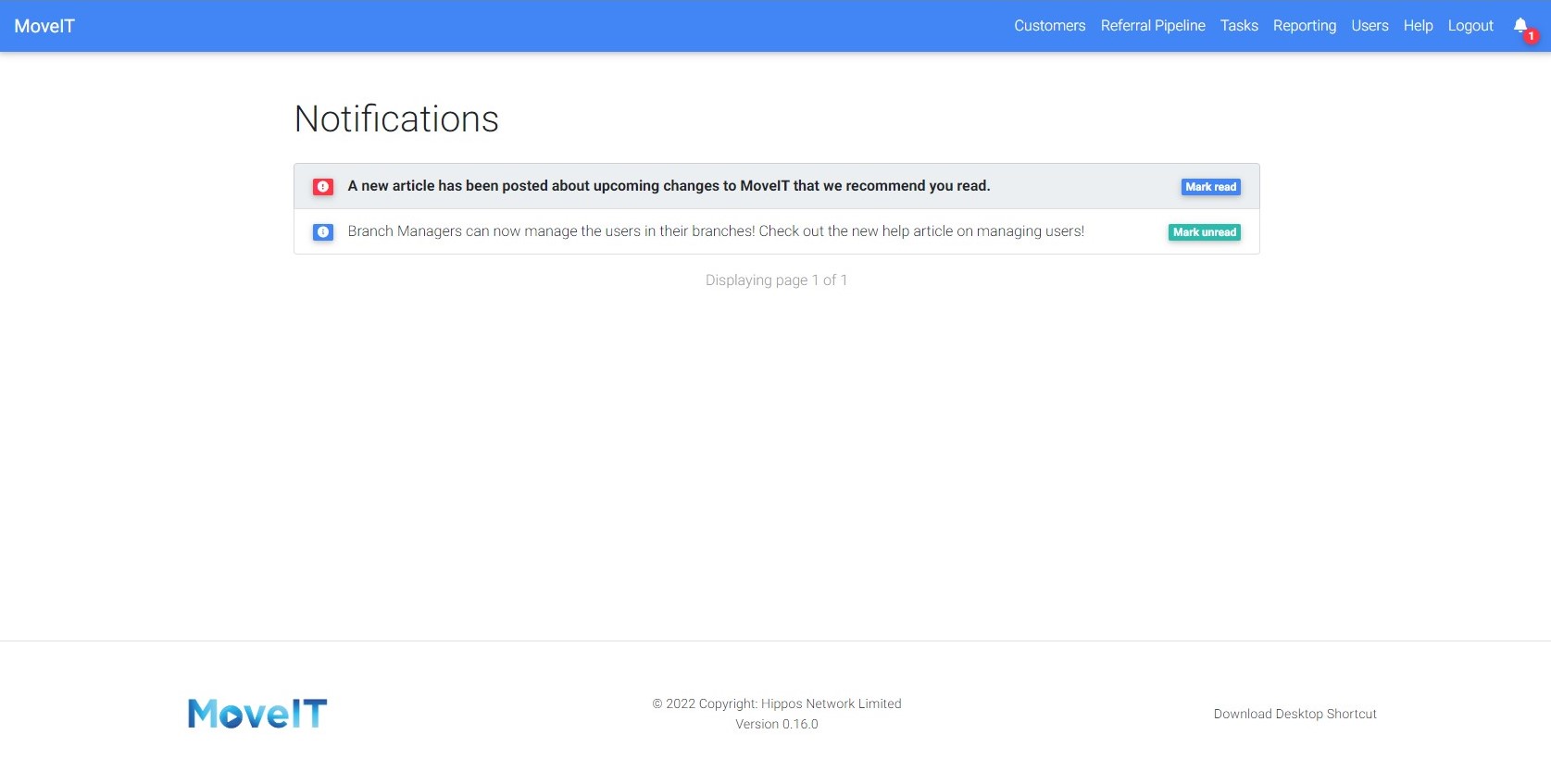
You can manage your notifications in two places. Firstly, the little bell in the top corner of MoveIT will show the number of unread notifications you have, clicking the bell will show you up to the latest 5 notifications you have received and allow you to mark them as read / unread.
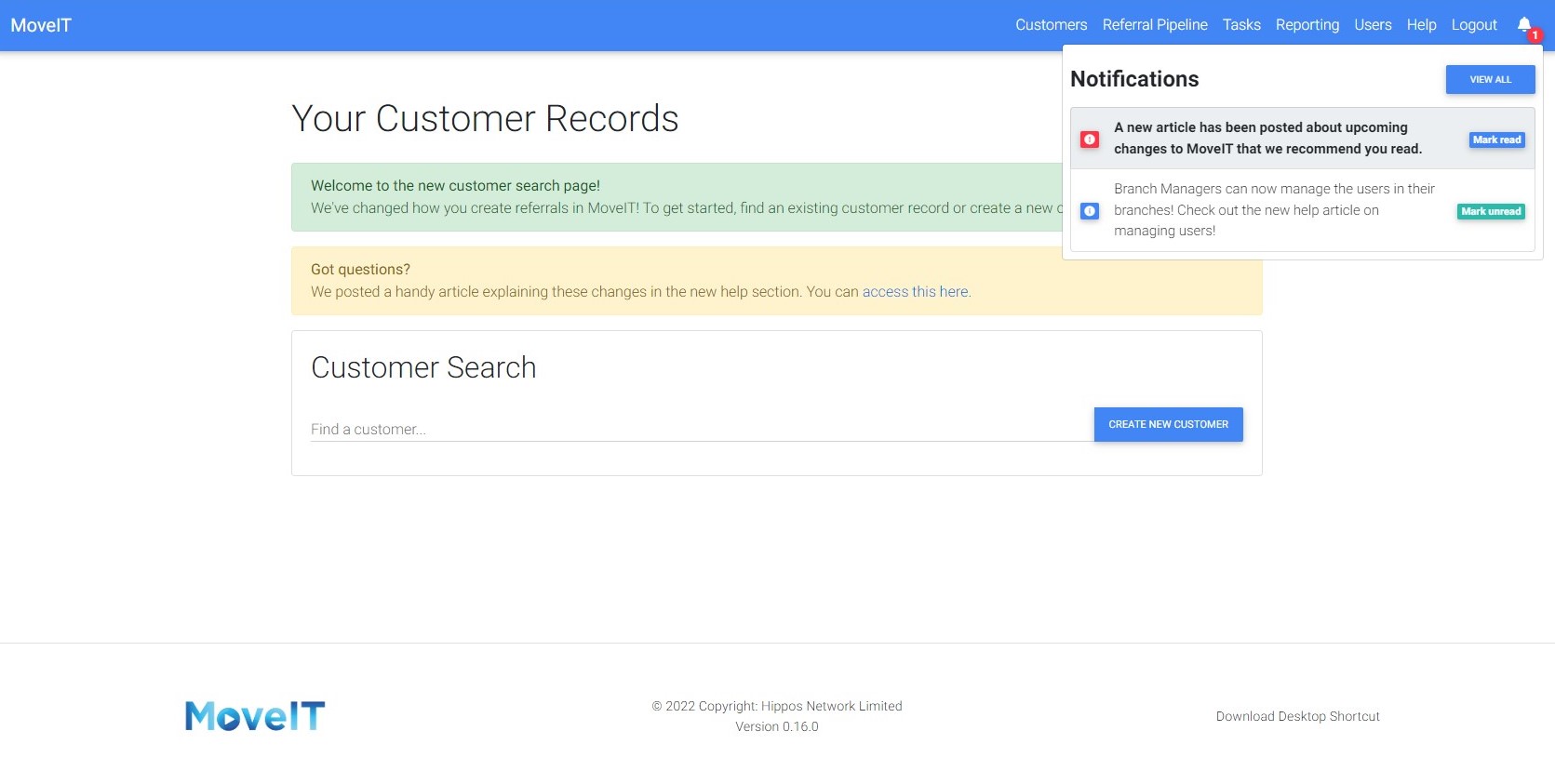
Clicking the View All button will take you to the Notifications page where you can manage all the notifications you have received.