Overview
MoveIT now supports Removals as a referral product. Estate agencies can refer customers to removals companies directly from MoveIT, and removals suppliers can receive and manage those referrals through the same pipeline they use for other products.
For Agencies
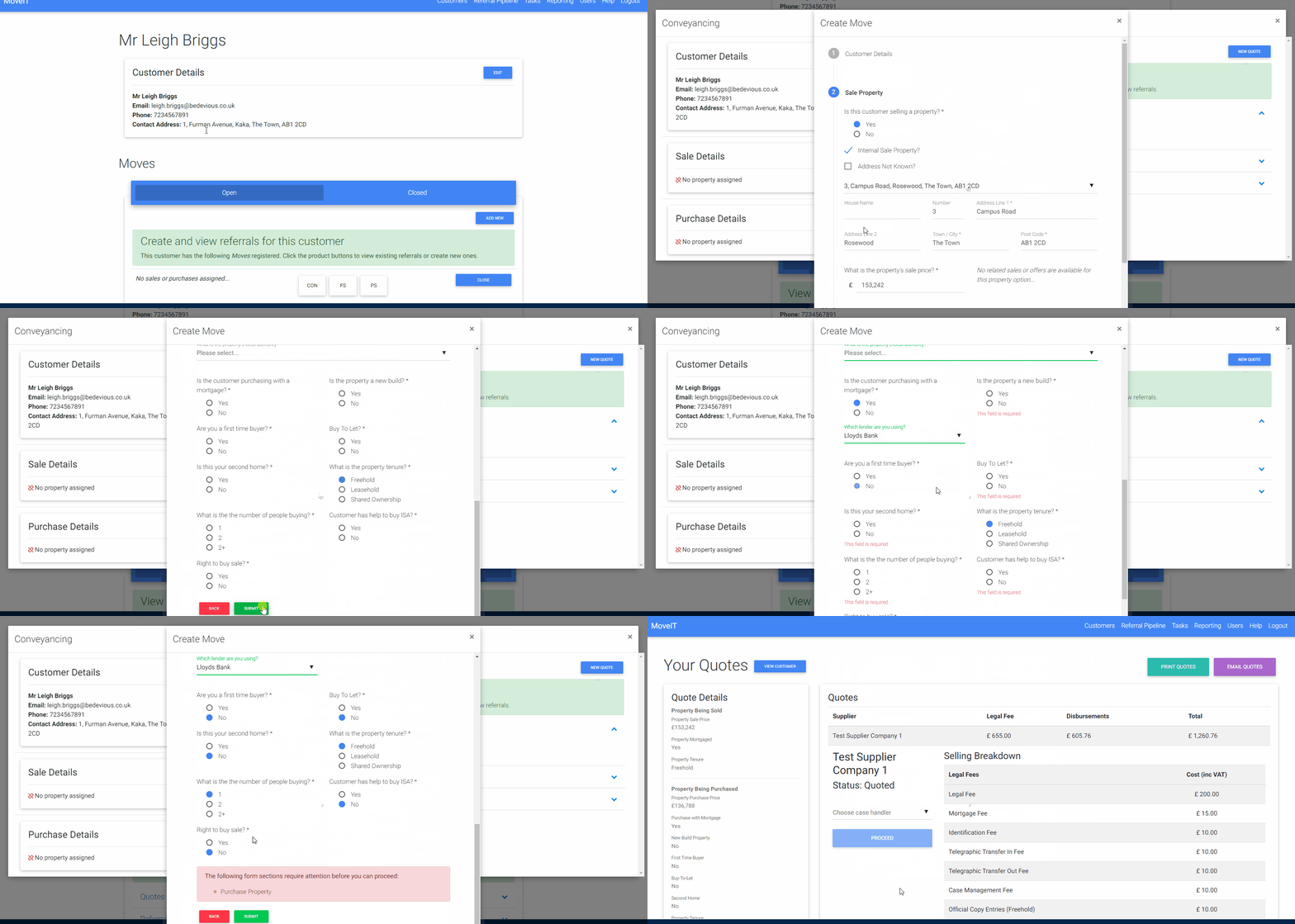
Making a Removals Referral
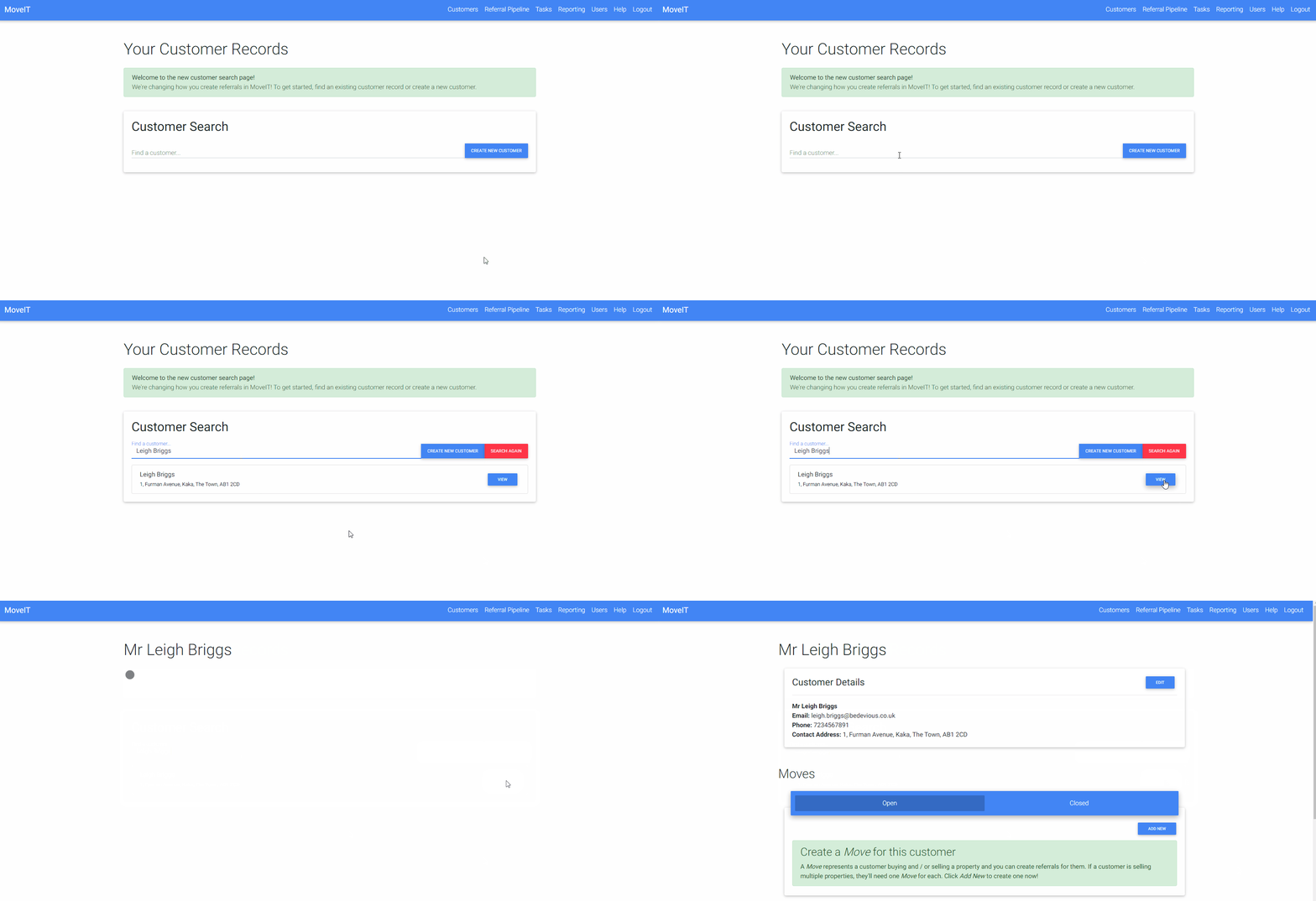
- Open the customer record and go to their move.
- Click the Removals button to start a new referral.
- Work through the four-step form:
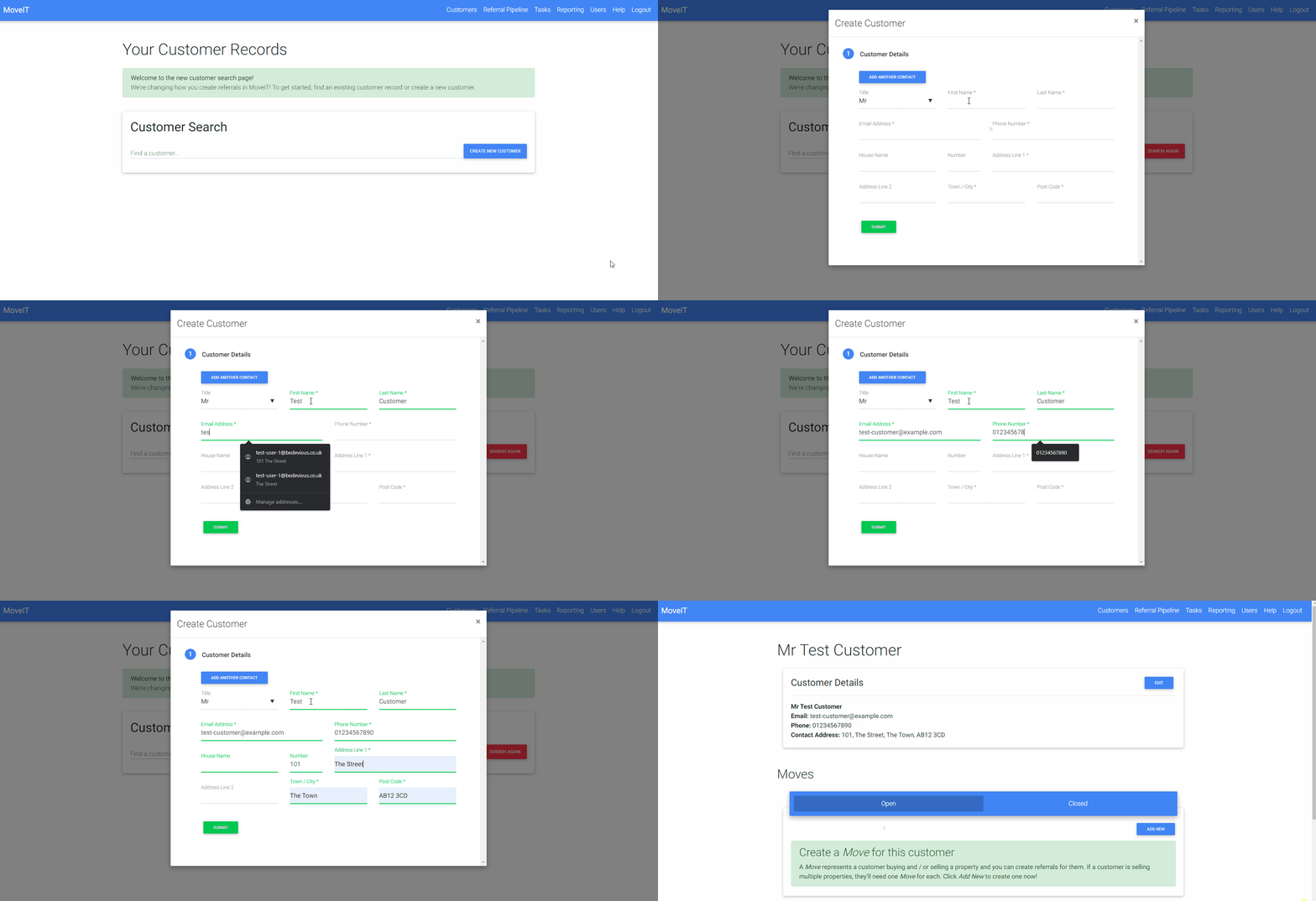
- Customer Details — confirm the customer’s contact information.
- From Property — the address the customer is moving from.
- To Property — the address the customer is moving to.
- Removals Details — move date, number of bedrooms, and the move distance. MoveIT will automatically calculate the driving distance between the two postcodes using Google Maps. You can override this manually if needed.
- Submit the form. MoveIT creates the referral and takes you to the quotes view.
Sending the Referral
Once the referral is created, click Proceed and confirm to send it to your chosen removals suppliers. You can send to multiple suppliers at once — each supplier will contact the customer directly to discuss their requirements and provide a quote. The referral moves to Sent status for each supplier it is sent to.
Tracking Progress
Removals referrals follow the same pipeline structure as other products, with one extra stage:
| Status | What it means |
|---|---|
| Sent | The referral has been passed to the supplier(s). |
| Acknowledged | The supplier has accepted the lead and will contact the customer to discuss their requirements and provide a quote. |
| Live | The customer has booked the supplier and the referral has been instructed. |
| Declined | The supplier could not proceed with this lead. |
You will receive the usual MoveIT email notifications as the referral moves through these stages.
Commission
Commission is earned once the referral completes. Removals referrals earn a single commission (not split by sale/purchase), reflecting the nature of the product.
For Removals Suppliers
Getting Set Up
To receive Removals referrals through MoveIT, complete the supplier onboarding wizard:
- Create your account — register as a supplier and accept the terms.
- Confirm your email — verify your address via the link sent to you.
- Account details — enter your name.
- Supplier information — select Removals Supplier as your supplier type, add your contacts (account, billing, and primary referral contacts), and upload your logo.
- Pricing — optionally set up your pricing (see below).
- Case handlers — add at least one case handler who will manage incoming referrals.
- Billing — enter your billing address, VAT status, and agree on a commission rate.
- Referral agreement — sign the agreement electronically via the embedded signing flow.
Once your account is active (enabled by a MoveIT administrator), agencies can add you to their panel and start sending you referrals.
Setting Up Pricing
Pricing is optional. If you do provide pricing, MoveIT will display “from” prices to agencies based on the customer’s move distance and number of bedrooms. These are shown as indicative starting prices only — agents and customers are always informed that you will contact the customer directly to discuss their requirements and provide a full quote.
The current pricing form uses a distance × bedrooms matrix:
- Define distance brackets (e.g. 0–50 miles, 50–100 miles, etc.).
- Within each distance bracket, set a price per number of bedrooms, plus a catch-all “price over X bedrooms” figure.
If the distance × bedrooms structure does not suit your pricing model, please contact us to discuss your requirements.
If you choose not to provide pricing, referrals will still be sent to you and customers will still be told to expect to hear from you — agencies just won’t see indicative prices alongside your listing.
Receiving and Managing Referrals
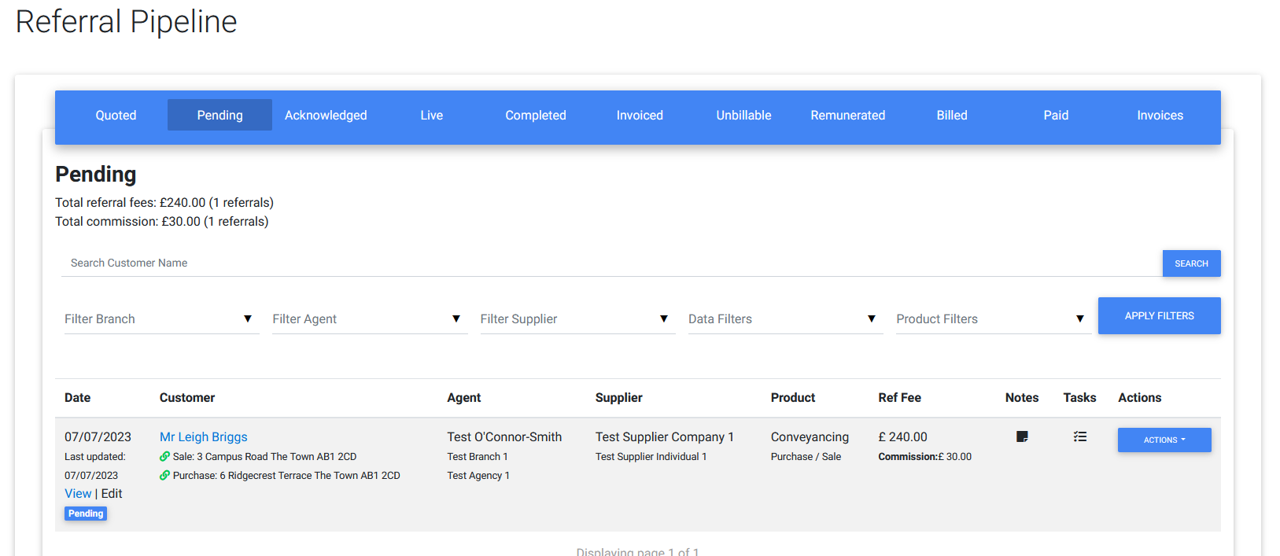
When an agency proceeds with a referral for you, it appears in your Pending pipeline tab. You will also receive a notification email.
To accept a lead:
Click Accept on the referral. This moves it to Acknowledged status, signalling to the agency that you are in contact with the customer.
To instruct (confirm the booking):
Once the customer has booked with you, click Instruct. This moves the referral to Live status and notifies the agency that the job is confirmed.
If you cannot take the job:
Click Decline and provide a reason. The agency will be notified.
Completion and Aged Referrals
Where a Removals instruction is linked to a property sale or purchase on MoveIT, the referral will auto-complete when that transaction completes.
Where there is no linked transaction — for example a standalone move — the referral will be picked up by the aged process. If it has been in Live status for more than two weeks without completing, it will be flagged as aged, a reminder will be sent, and it will auto-complete through the aged process shortly after.
FAQs
Can multiple suppliers receive the same referral?
Yes. Unlike some other products, Removals allows more than one supplier to move forward from the same referral at the same time.
Does a Removals referral complete automatically when a property sale completes?
Yes, if the instruction is linked to a sale or purchase on MoveIT. If there is no linked transaction, the referral is completed through the aged process instead.
What if the distance shown is wrong?
The distance is calculated automatically from the postcodes, but you or the agent can override it manually in the form before submitting.